

Document Services
Formatting Existing Documents
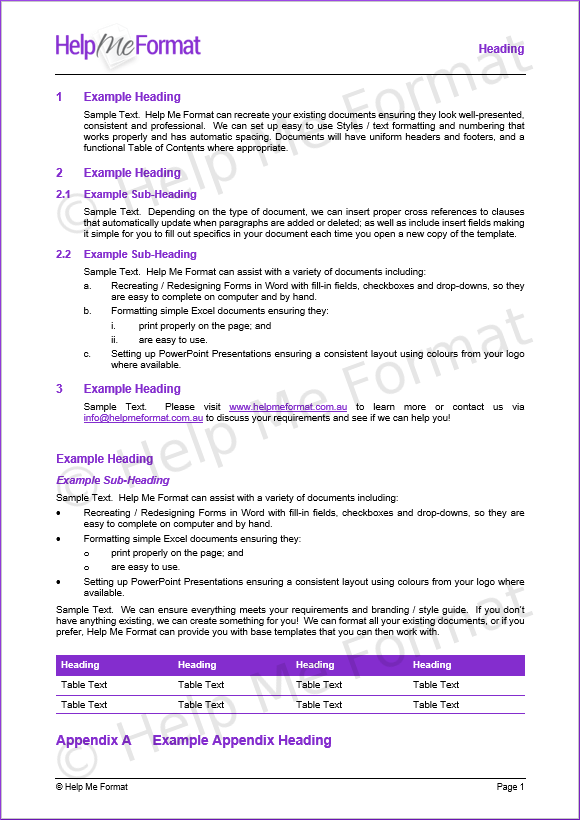
- Help Me Format can re-create your existing documents so they look professional, consistent, and are easy to read.
- We will set up simple to use Styles / text formatting with numbering that works properly, and has correct indentation and automatic spacing; so if you need to make further changes yourself, you can.
- Documents will have uniform headers and footers, and a functional Table of Contents where appropriate.
- Where applicable, we insert proper cross references to clauses which automatically update when paragraphs are inserted or deleted; as well as include insert fields, making it simple for you to fill out specifics in your document.
- Any document with data that changes for each client will be set up as a proper Word Template so you open a fresh copy of the document each time, ensuring you are not accidentally leaving anything in or out.
- We can even set up data auto-populate. This means you only enter key data once, then it appears throughout the document where required automatically.
- We can ensure the style and layout of documents meets your requirements and Branding / Style Guide if required; even picking colours from your logo / website for Headings and Table Shading if you wish.
- In general, we prefer to re-create documents from scratch, ensuring everything is set up correctly, minimising the chance of any issues arising down the track.
- Depending on the type of document, we may be able to provide you with some Training Material regarding its use.
- Please check out our Portfolio to get a feel for the types of documents and styles we can do.
- Read some of our Client Feedback.
Types of Documents
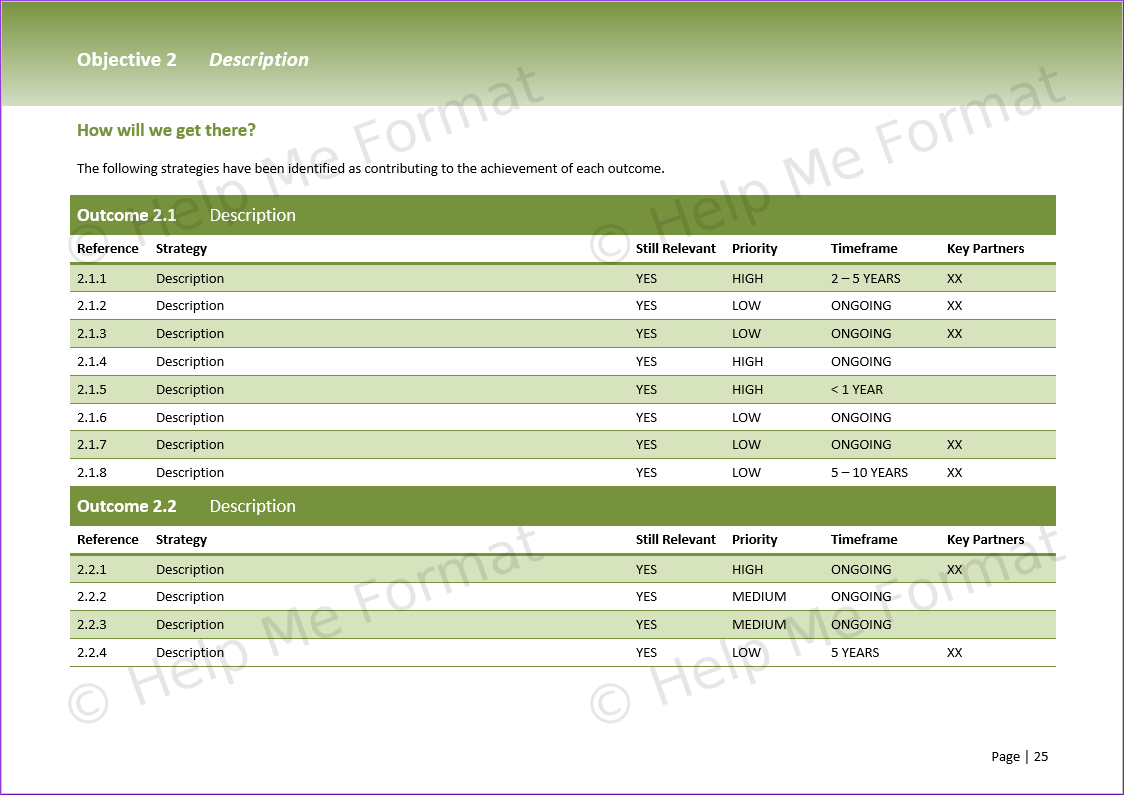
- Word Documents – our specialty
- Features include:
- Styles / Text Formatting; Tables; Headers and Footers; Tables of Contents; Images; Cross References; Insert Text Fields; basic SmartArt.
- Simple Custom Forms with Fill-In Text Fields and Checkboxes. These templates can be saved with Document Protection so a user can only edit the fields, not change the forms.
- Basic Mail Merge from Excel into Word.
- Features include:
- Excel Spreadsheets
- Features include:
- Formatting for Ease of Use, Presentation and Printing; basic Drop-Down Lists; basic Formulas; basic Charts.
- Features include:
- PowerPoint Presentations
- Features include:
- Setting the Master Layout with basic Theme and Colours; Transitions; Timing.
- Features include:
- Publisher Layouts
- Features include:
- Setting key Styles, Image placeholders, Sample text to amend.
- Basic layout for a brochure, flyer or poster – we are not a graphic design company.
- Features include:
- Examples of the types of documents include:
- Tenders, Contracts, Policy and Procedure Manuals, Reports, Legal Agreements and Precedents, Quotations, Invoices, Letters, Customer Information Forms, Résumés / Curriculum Vitaes (CVs), Government Community Strategic Plans and Corporate Business Plans; University Assignments; Theses; Newsletters; Client Lists; Flyers; Brochures; User Guides; Training Manuals; Safe Work Method Statements (SWMS); Menus; Flowcharts.
- Check out our Portfolio to see samples of documents we have created.
Document Creation
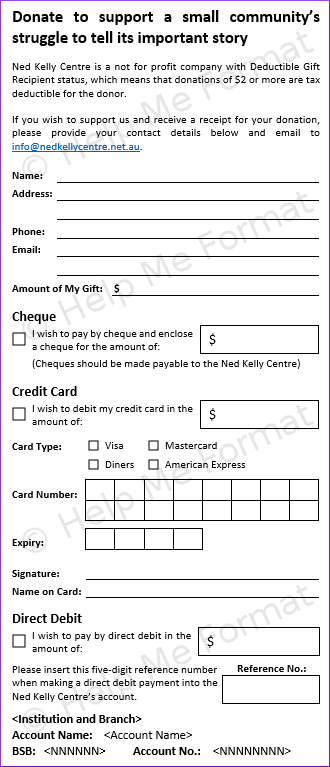
- If you have an idea and some content, but don’t know where to start, we can create something to meet your needs.
- Contact us to discuss.
Template Creation
- If you don’t have any existing documents to format yet, or would prefer to do so yourself, we can create a set of Base Document Templates with Styles that you can then use to create your documents.
- Learn more.
Contact Us
- Contact Us for a confidential discussion, to see if we can Help you!